

Latest Version
Tangerine Software House
Internet
iOS
Free
1551265244
Report a Problem
More About Audify read aloud web browser
A New Way to Consume Web Content and eBooks
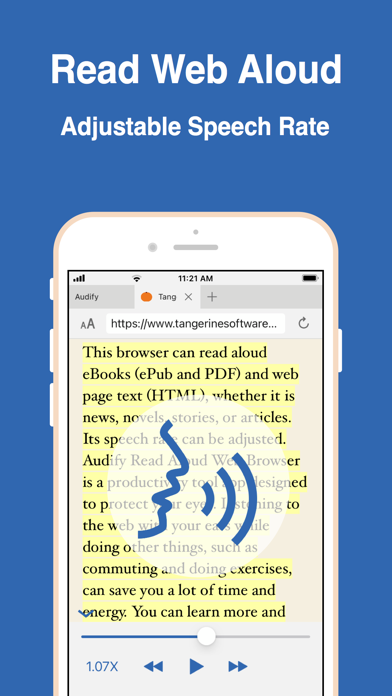
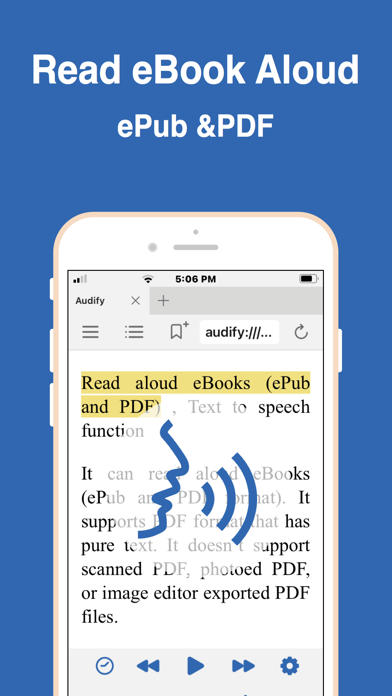
The Audify read aloud web browser stands out in the crowded utility space by turning static digital text into dynamic spoken-word content. Unlike standard screen readers that rely on clunky operating system accessibility tools, this specialized iOS application acts as a fully functional web browser and document reader designed specifically for text-to-speech (TTS) optimization. By converting HTML pages, ePubs, and text-based PDFs into clear audio, it allows you to absorb articles, news, and novels while multitasking during your daily commute or workout.
Key Features of the Audify Read Aloud Web Browser
Developed by Tangerine Software House, this application is packed with features designed to maximize reading comfort and utility:
- Multi-Format TTS Engine: Effortlessly reads aloud web pages (HTML) as well as digital books in ePub and text-based PDF formats.
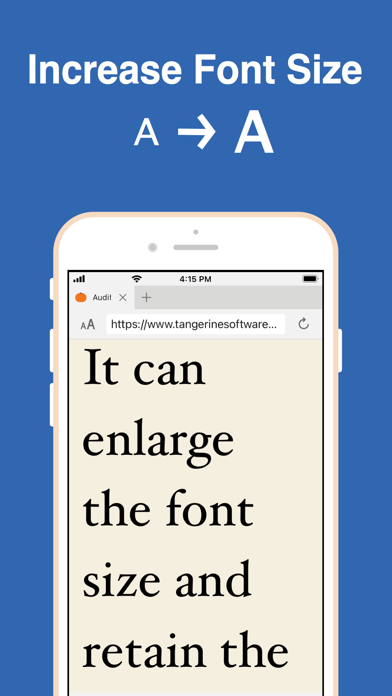
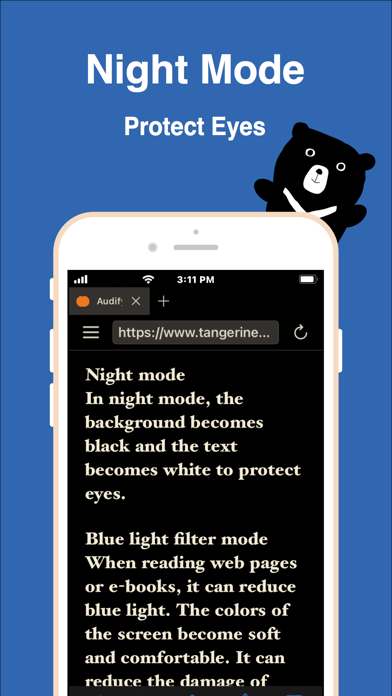
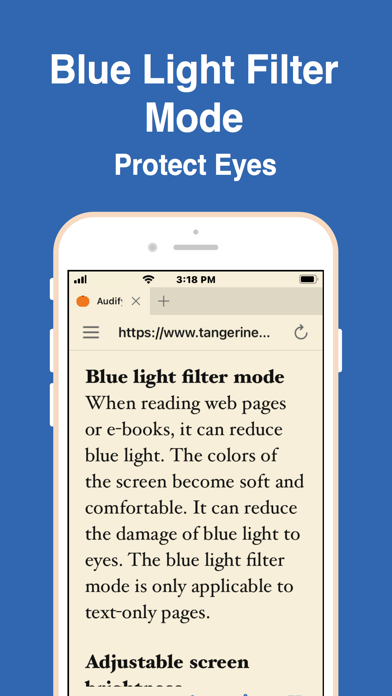
- Visual Comfort Settings: Features a built-in blue light filter, a dedicated dark night mode, adjustable screen dimming, and customizable font scaling to prevent eye strain.
- Language and Learning Tools: Supports translation features and adjustable speech rates, making it an excellent companion for language learners practicing pronunciation in Spanish, German, French, and English.
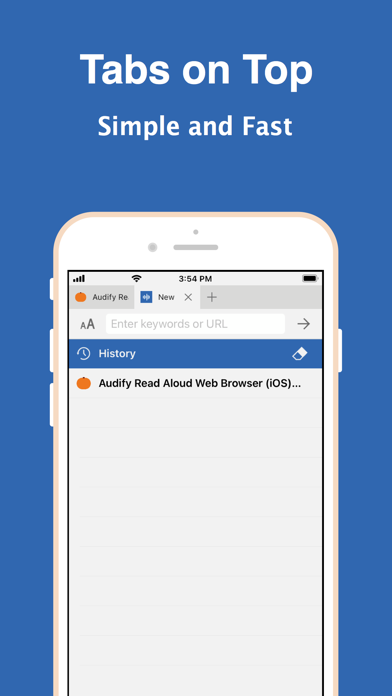
- Productivity Enhancements: Includes a sleep timer for night-time listening, tabbed browsing, customizable bookmark folders, and an in-page search tool.
User Experience and Navigation
Navigating the Audify read aloud web browser is intuitive. Users can easily initiate reading from any specific point on a page by simply scrolling to the desired section and pressing play, or by double-clicking on a paragraph. It also allows you to share URLs and files directly from other iOS applications, streamlining your reading list management. For those seeking to preserve battery or reduce screen distractions, you can even hide web page images entirely.
Is Audify Right for You?
If you find yourself with a growing list of articles but lack the time to sit and read them, the Audify read aloud web browser offers an elegant, hands-free solution. It bridges the gap between traditional reading and podcast-style listening, protecting your eyes while expanding your knowledge. To experience this versatile text-to-speech utility for yourself, head over to the official iOS App Store to download the browser on your Apple device.
Rate the App
User Reviews










Popular Apps










Editor's Choice